

Cable TV Decline Depens as YouTube TV Surges: What Wireless Dealers Should Sell for Streaming Households (Internet, Wi‑Fi, and Setup)

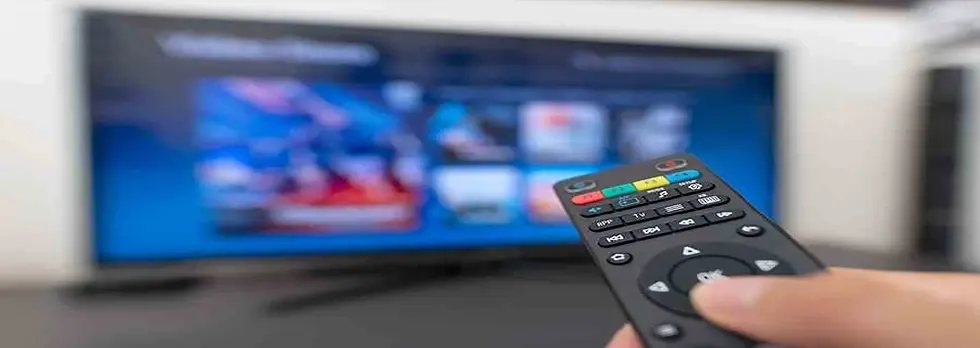
Cable TV decline is accelerating while YouTube TV surges and Spectrum keeps losing subscribers. Translation: more households are rebuilding their “TV stack” around streaming—and they’re going to need help making it work reliably.
For wireless dealers, this is a perfect moment to sell what streaming households actually need: the right home internet plan, strong Wi‑Fi, and a done-for-you setup that prevents buffering, login headaches, and “my TV is slow” complaints.
What this trend means in plain language
More cord cutters: customers will cancel cable and replace it with YouTube TV and other apps.
More streaming at once: multiple TVs + phones + tablets competing for bandwidth.
More Wi‑Fi problems: dead zones and old routers become obvious when households stream live TV.
More subscription confusion: customers want fewer apps and a predictable monthly total.
Dealer advantage: most “streaming problems” are really Wi‑Fi problems
Customers blame YouTube TV, Netflix, or the TV itself. But the real causes are usually:
Router too old
Router placed in the wrong spot
Dead zones (back bedrooms, basements)
Too many devices streaming at peak hours
Wrong internet plan for the household
The Dealer Streaming Reliability Check (4–6 minutes)
Use this whenever a customer mentions cable TV decline, canceling cable, YouTube TV, or buffering.
Step 1) Household streaming load
How many TVs stream at the same time?
Any gamers in the home?
Work-from-home video calls?
Do you stream live sports in HD/4K?
Step 2) Router + Wi‑Fi health
How old is the router?
Where is it located (center of home or corner)?
Any dead zones?
Is the main TV on Wi‑Fi or ethernet?
Step 3) Peak-hour reality
When does buffering happen most? (7–10pm?)
Does it happen on all TVs or only one room?
Dealer script: “If it buffers in one room, it’s Wi‑Fi coverage. If it buffers everywhere at night, it’s plan speed or peak-hour congestion.”
What dealers should sell (simple bundles that close)
Bundle 1: Home Internet Upgrade + Mesh Wi‑Fi
Right-sized internet plan for the household
Mesh Wi‑Fi (or extenders) to eliminate dead zones
Optional: ethernet cable setup for the main TV
Bundle 2: Done-for-you YouTube TV setup
Install YouTube TV on Roku/Fire TV/Smart TV
Sign-in + profile setup
Favorites + DVR basics
Parental controls (if needed)
Teach the customer the “3 buttons” they’ll actually use
Bundle 3: Streaming savings + subscription cleanup
List every subscription
Cancel duplicates
Set a monthly streaming budget
Recommend a “core stack” (live TV + 1–2 on-demand apps)
Wholesale links (internet + streaming + accessories)
Key takeaways for dealers
Cable TV decline is accelerating—more households will switch to YouTube TV and streaming-first setups.
Most streaming complaints are Wi‑Fi and home network problems.
Dealers can win with a Streaming Reliability Check and done-for-you setup services.
Sell home internet upgrades, mesh Wi‑Fi, and streaming setup bundles to reduce buffering and increase satisfaction.
Bottom line: cord cutting creates chaos. Dealers who make streaming reliable will win the household—and keep them long-term.


.webp)

Comments