

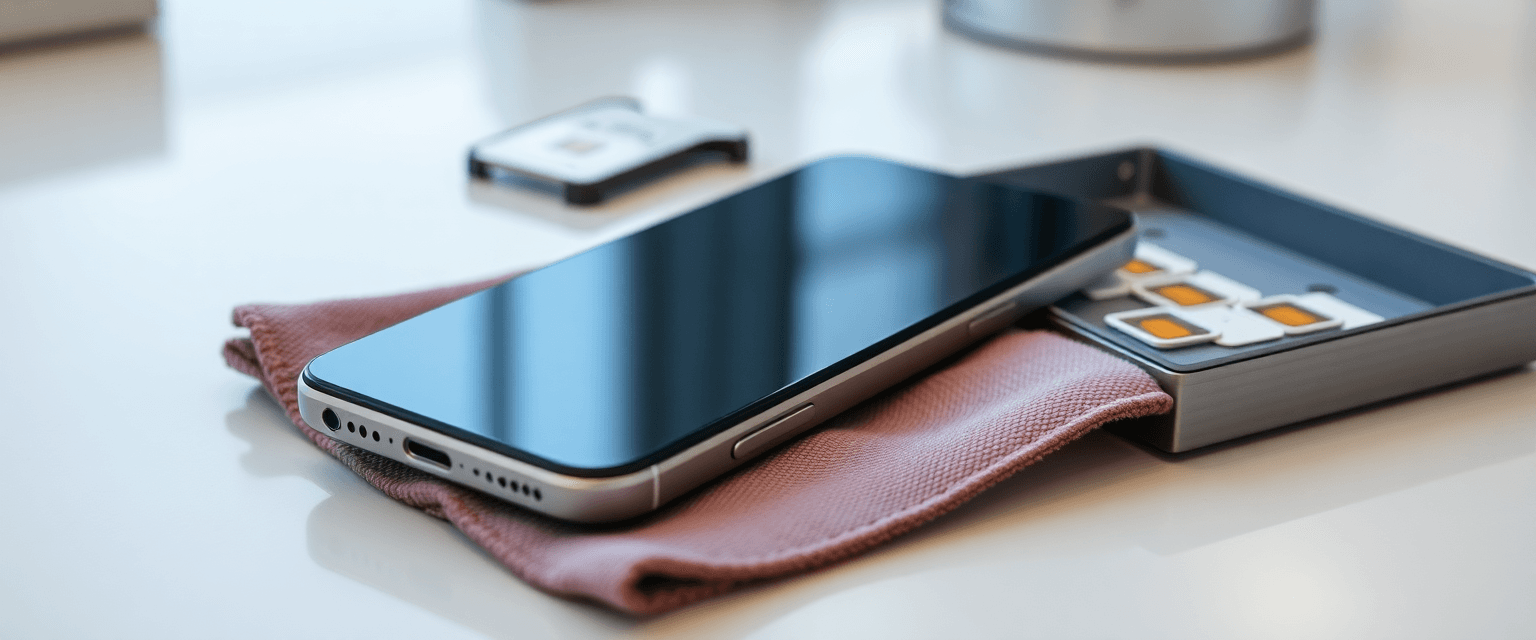
Carrier Locks and SIM Locks: What Every Store Employee Should Know Before Touching a Trade-In

Updated: Sep 5
A customer walks in with a phone they want to trade, sell, or move to your service. It looks clean. Screen's fine. Battery's decent. Then you drop in a SIM and see "SIM Not Supported."
That's a lock. And locks are one of the most common reasons a trade-in deal falls apart at the counter.
This guide covers the basics every employee should understand, whether you work in a cell phone store, a repair shop, a wholesale desk, or a call center handling activations. You don't need to be a technician. You just need to know what you're looking at, what you can check in two minutes, and when to hand it off.
What a carrier lock actually is
A carrier lock (often called a SIM lock or network lock) is a software setting that limits a phone to one carrier's network. The phone works fine, it just refuses SIM cards from other companies.
Carriers use locks because they often subsidize the phone. The customer pays part of the cost up front, and the lock stays on until the device meets that carrier's unlock requirements, usually things like a paid-off balance, an account in good standing, and a minimum amount of time in service. Those requirements are set by each carrier and can change, so always check the carrier's current published policy instead of going from memory.
A few terms worth knowing right away:
IMEI, the phone's 15-digit serial number. It's how carriers identify a specific device.
Blacklisted / bad IMEI, the IMEI was reported lost, stolen, or unpaid. Networks may block it. This is different from a carrier lock.
Activation Lock (iPhone) / FRP (Android), an anti-theft feature tied to the previous owner's Apple or Google account. This is not a carrier lock, and a carrier cannot remove it.
That last distinction matters more than almost anything else in this article. A carrier-locked phone can often be unlocked through the carrier by the account holder. An account-locked phone generally needs the original owner to sign out, that's it.
Why every employee should understand this
Three reasons.
Credibility. Customers ask about unlocking constantly. If you can explain it in plain English in 30 seconds, you sound like a pro. If you guess, you create a callback and a complaint.
Protecting the store. Taking in a locked, blacklisted, or account-locked device can mean paying for inventory you can't resell or activate. A two-minute check up front avoids a lot of that.
Revenue. Locks are a conversation starter. A customer who can't switch today is a customer who needs a plan, a device, or a service. More on that below.
The basics: what to check before you accept a trade-in

Work the same order every time. Consistency is what keeps mistakes low.
Get the IMEI. Dial *#06# on most phones, or find it in Settings > About. Write it down.
Check IMEI status. Confirm whether the carrier or your buyer shows the device as clean and eligible.
Check for account locks. On iPhone, look for "Find My iPhone" being on, or an Activation Lock screen after a reset. On Android, look for a Google account still signed in. If either is present, ask the customer to sign out while they're standing there.
Test with a SIM. Insert a SIM from a different network. "SIM Not Supported" or a network unlock prompt means it's carrier locked.
Confirm where it can go. Even an unlocked phone needs the right bands and network support for your carriers. Run it through the Carrier & MVNO phone compatibility tool before you promise anything.
That last step gets skipped a lot. "Unlocked" does not automatically mean "works everywhere." A device may be fully unlocked and still not support a specific network's features. If you're placing it on a smaller brand, check the details on that brand's page first, for example, a network like Airvoice Wireless, and then follow the steps in the MVNO activation guides.
If the phone is headed to a carrier program instead of your used inventory, the carrier trade-in program database is where to confirm current program terms before you quote a value.
Quick troubleshooting tips
"SIM Not Supported" or "Enter Network Unlock Code." Almost certainly a carrier lock. The account holder needs to request the unlock from their carrier. Don't attempt code-based workarounds.
Activation Lock screen after a reset. Account lock, not carrier lock. The original owner must sign out of their Apple ID or Google account. If they can't be reached, treat the device as not tradeable.
No service but the SIM is recognized. Could be a blacklisted IMEI, a network provisioning issue, or a damaged SIM tray. Swap the SIM into a known-good phone to isolate it.
Unlock request approved but the phone still won't take a SIM. Many devices need a restart, a software update, or a re-inserted SIM to apply the change. Give it a few minutes before escalating.
Bent pins or debris in the SIM tray. Look with a light before assuming software. A damaged reader is a hardware repair conversation.
When in doubt, escalate. Unlock disputes, stolen-device claims, and anything involving a contract or a chargeback should go to a manager. Legal questions about device ownership are for a qualified attorney, not the counter.
Tools and parts sourcing
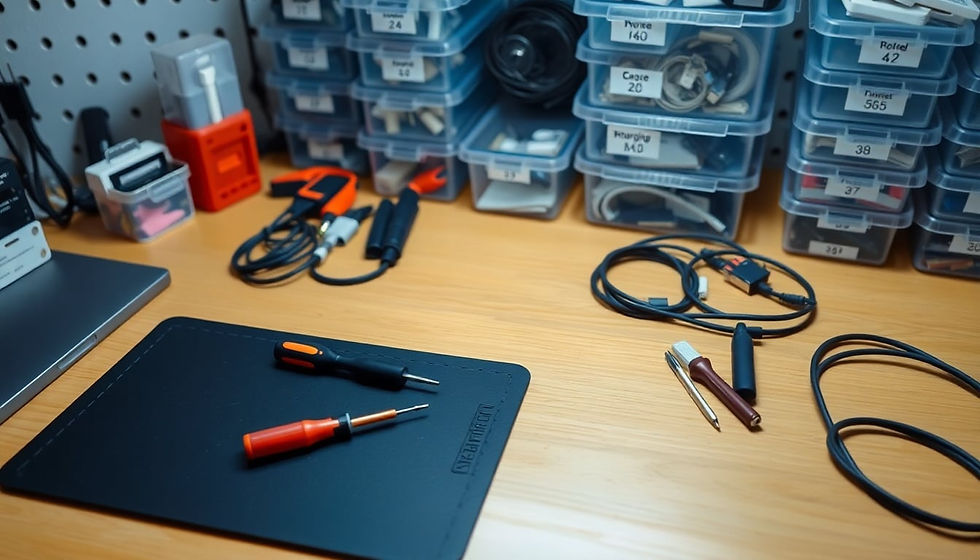
Most lock checks need nothing but a test SIM and a paperclip. But SIM tray and reader work is a real repair category, and doing it right means having the correct parts and the correct tools.
Trays, readers, and flex cables: browse the repair parts distributors directory.
Ejector tools, spudgers, ESD mats, magnification, and heat equipment: see the repair equipment distributors directory.
Keep a small kit of active test SIMs from the networks you sell. It's the cheapest diagnostic tool in the store.
Where the revenue is
Lock checks aren't a service you charge for. They're what protects the margin on everything else.
Cleaner used inventory. Devices you can actually activate and resell hold their value.
SIM tray and reader repairs. A common, learnable repair with reasonable parts cost, pricing varies by market and device, so set yours based on your actual parts cost in $ and your labor time.
The save. A customer who can't unlock today still needs service today. That's a plan, a prepaid device, or a temporary line.
Retention. Being the store that explained it honestly is why they come back for the accessory, the screen repair, and the next upgrade.
Be honest about complexity
Some of this is simple. Some of it isn't. Carrier unlocks belong with the carrier and the account holder. Account locks belong with the original owner. Board-level SIM reader repair takes microsoldering equipment and training, refer that out unless your shop is set up for it.
There's no legitimate shortcut around an anti-theft lock, and no reputable shop should offer one. Saying "we don't do that" is a credibility win, not a lost sale.
What to say to a customer
Keep it short and factual:
"There are two different kinds of locks. One is from your carrier, and they can usually remove it once your account meets their requirements, I'd call them or check their unlock page. The other is the anti-theft lock tied to your Apple or Google account, and only the original owner can clear that one. Let's check which one this is, and I'll tell you exactly what your options look like."
No promises about approval or timing. Just a clear next step. That's what earns trust.
Before your next trade-in, get in the habit of running the device through the phone compatibility tool so you know where it can actually go, then source your trays and tools from the directories above.


.webp)

Comments